 ThumbFree
Free, open-source voice typing
Talk.
It types.
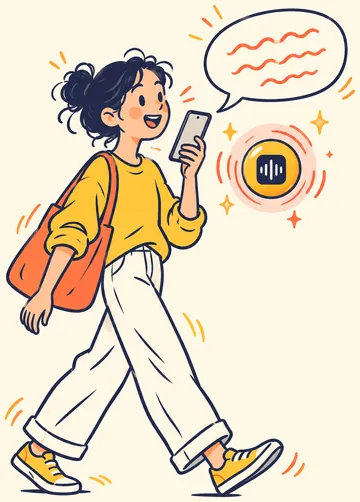
Talk instead of typing, in your apps. ThumbFree turns your speech into text on your phone, so your voice and your words never leave it. The apps have no account, no ads and no tracking.
On iPhone? Coming soon to the App Store
On Android? Get ThumbFree on Google Play
If the store doesn't open, open this page in your browser from this app's menu.
For Android 13 or newer, and iPhone with iOS 26 or newer. After a one-time download of the speech model, it works offline.
How ThumbFree works
On Android, a small yellow bubble floats next to the text field you're typing in. On iPhone, ThumbFree is a keyboard with a mic.
On Android
- Tap a text field. The yellow bubble appears next to it.
- Tap the bubble and speak. A red ring shows it's listening.
- Tap it again. Your words are typed where the cursor is.
Or hold the bubble while you talk, and let go when you're done. To set it up, ThumbFree downloads its English speech model (about 731 MB, so keep about 1.8 GB free), asks for the microphone, and asks you to turn on its bubble in Android's accessibility settings.
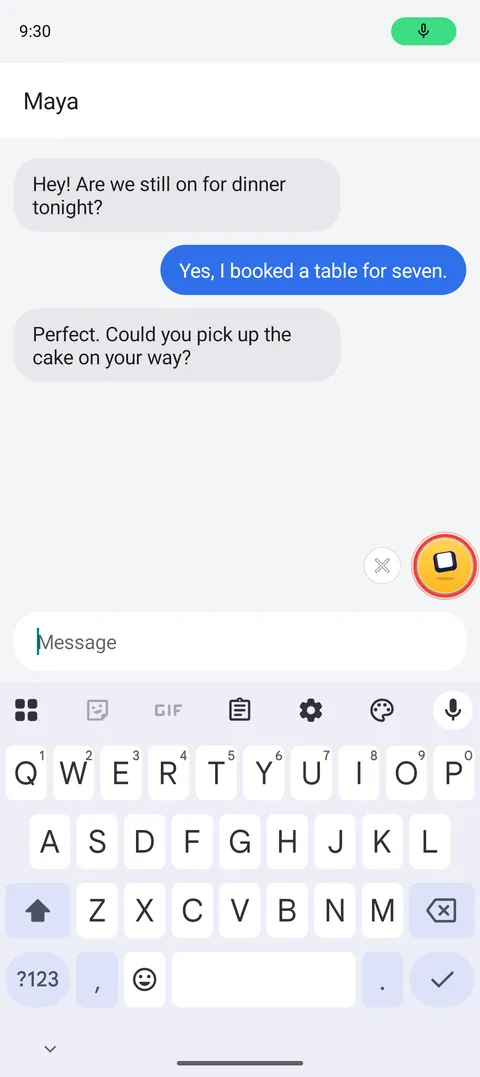
Tap the bubble and talk 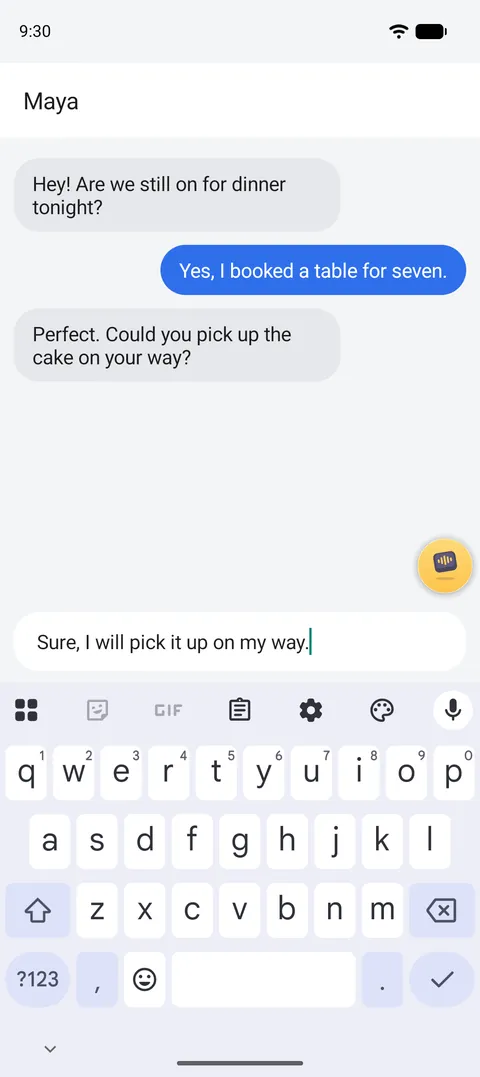
Your words, where you type 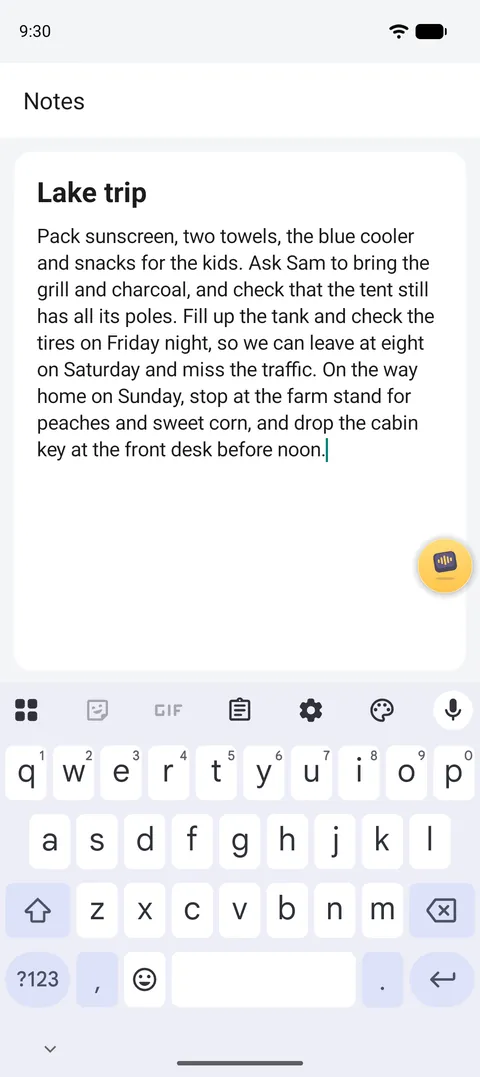
Long notes, hands free 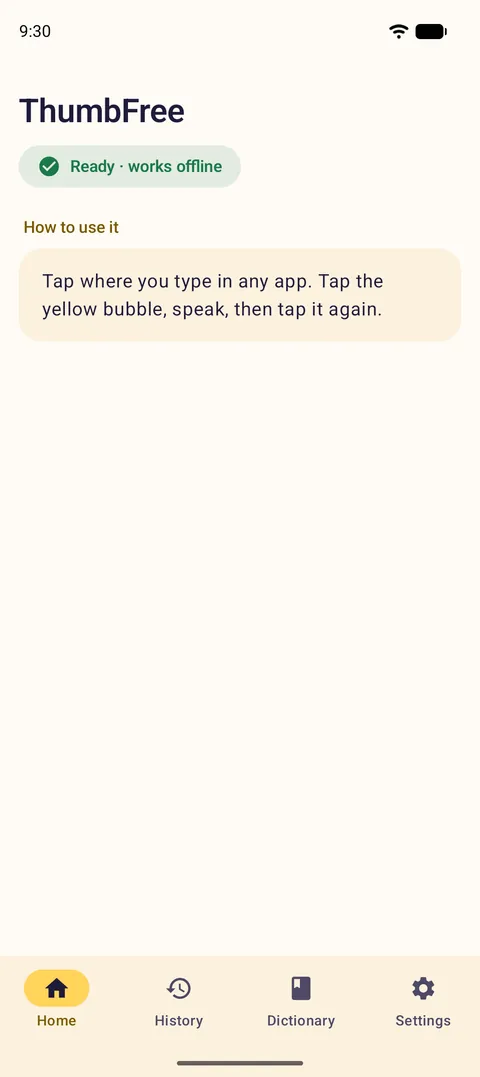
Works offline 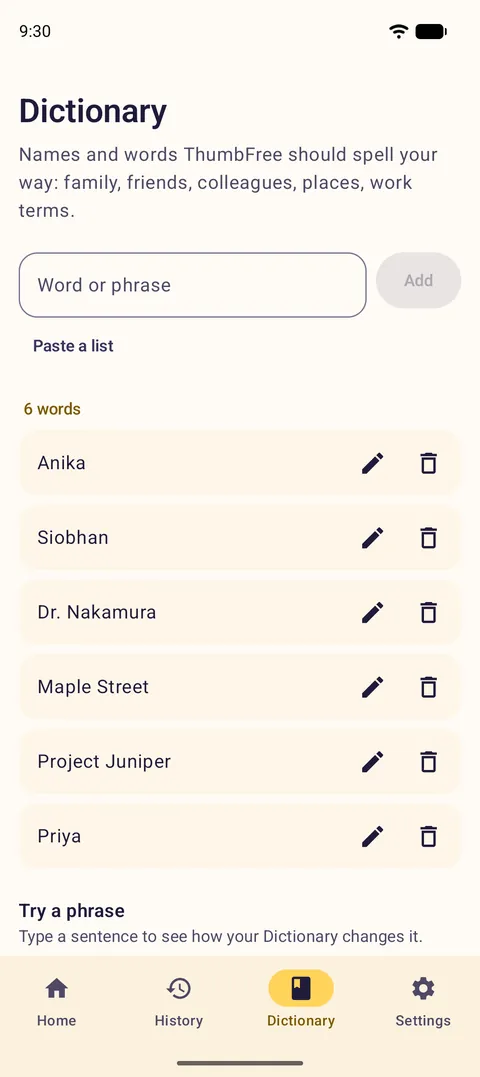
Names spelled your way 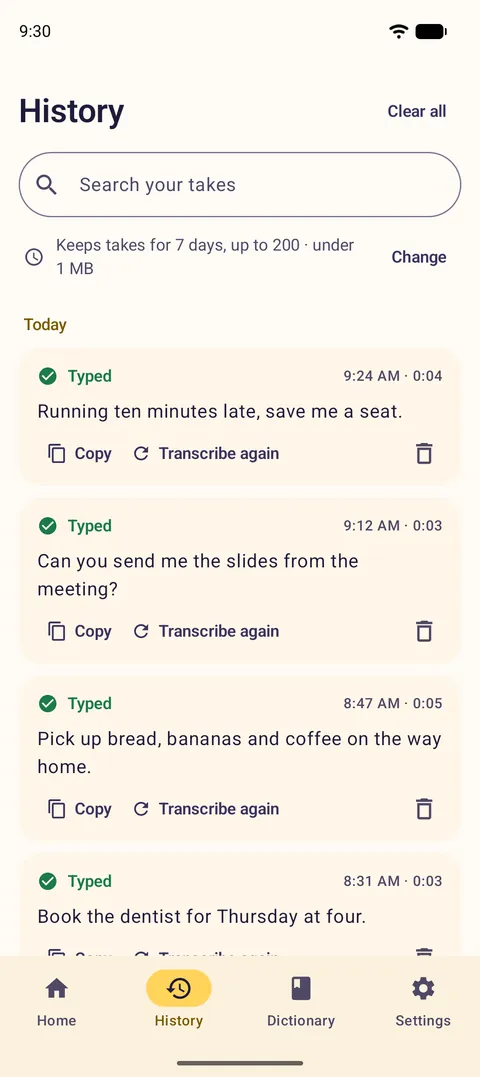
Every take, saved on your phone 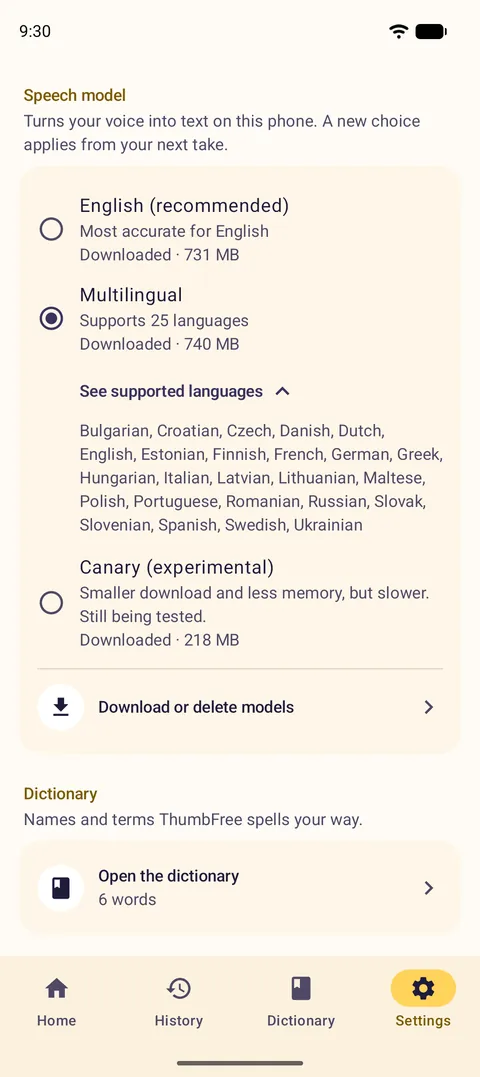
Speak your language


On iPhone
- Tap a text field and switch to the ThumbFree keyboard with the globe key.
- Tap the mic at the top right of the keyboard, and speak.
- Tap it again. Your words are typed where the cursor is.
iOS doesn't let keyboards use the microphone, so the first tap of a session opens the ThumbFree app to turn the mic on, and then you go back to your app. For the rest of the session (5 minutes unless you change it), each tap starts at once. To set it up, add the ThumbFree keyboard with Full Access, and download the English speech model (about 465 MB, so keep about 1.5 GB free).
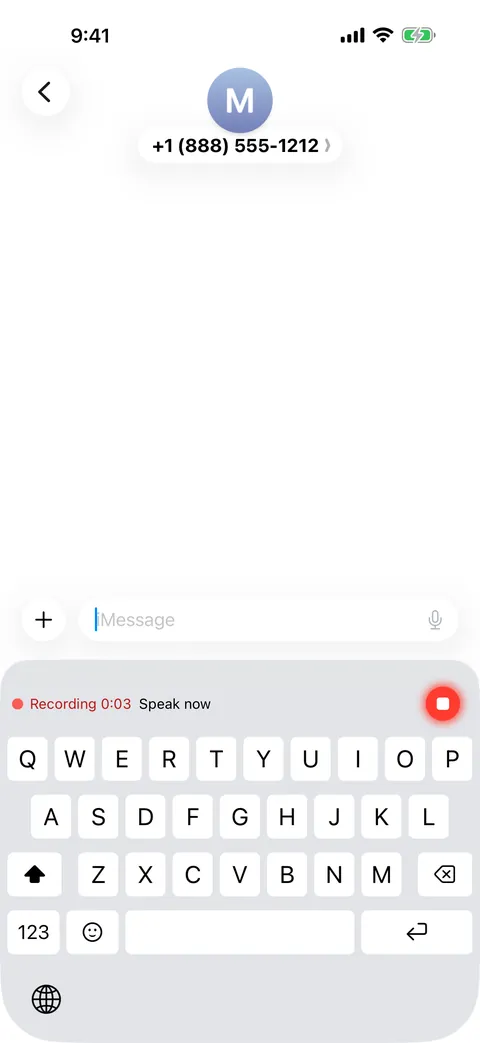
Tap the mic and talk 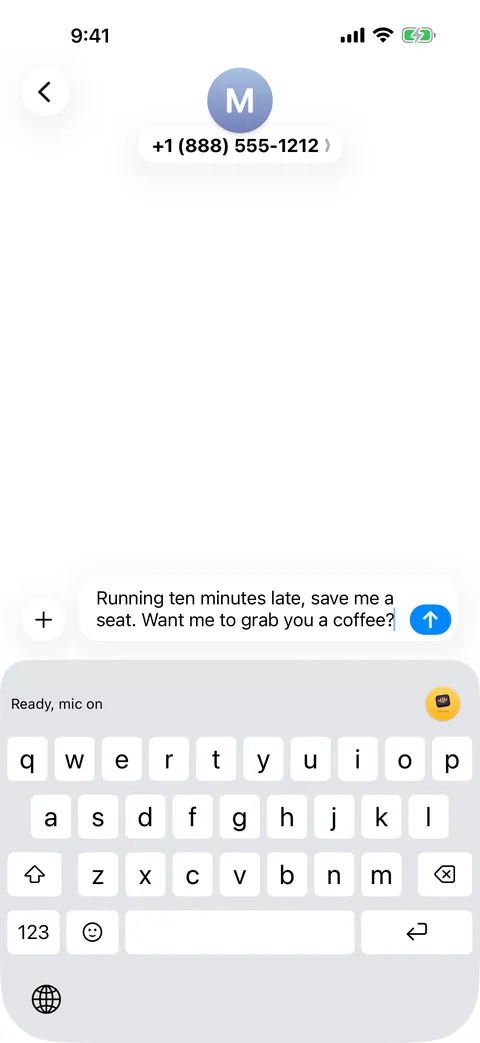
Your words, right where you type 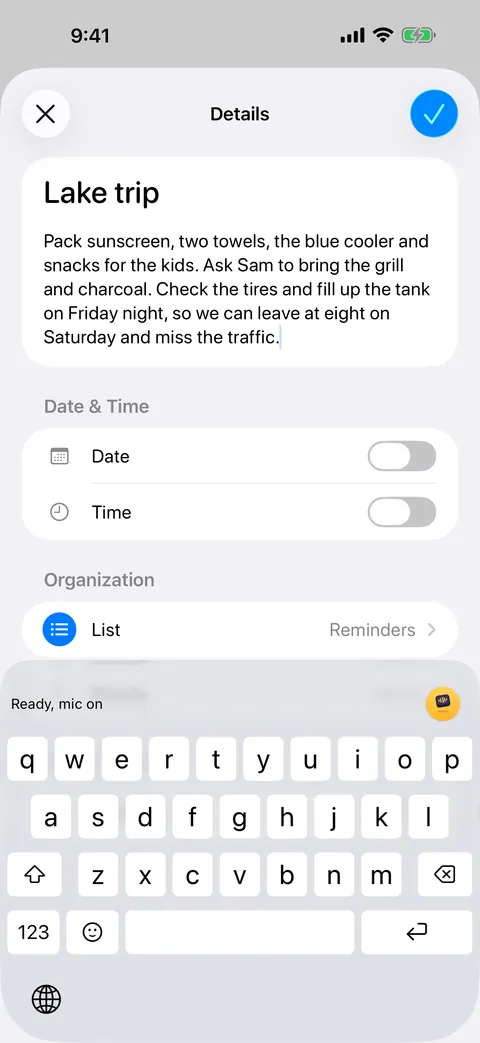
Long notes, hands free 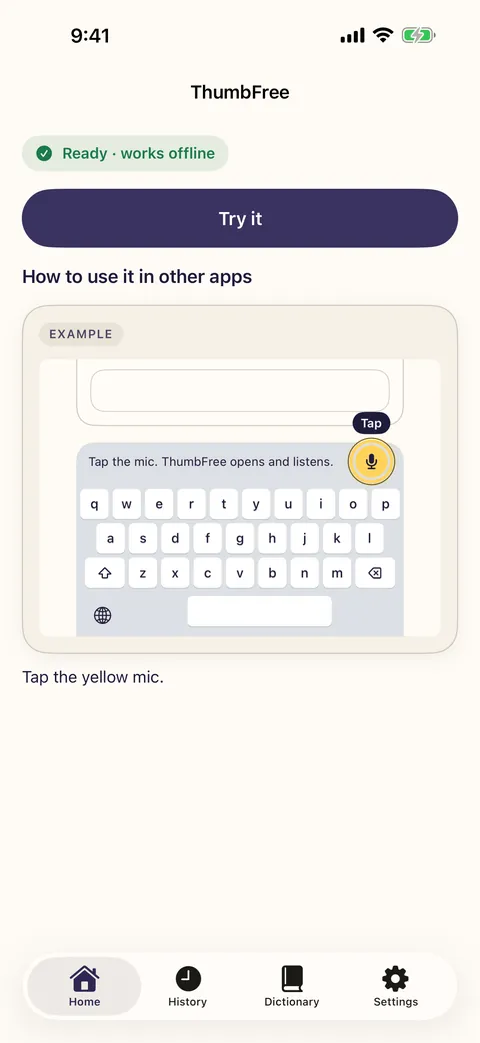
Works offline 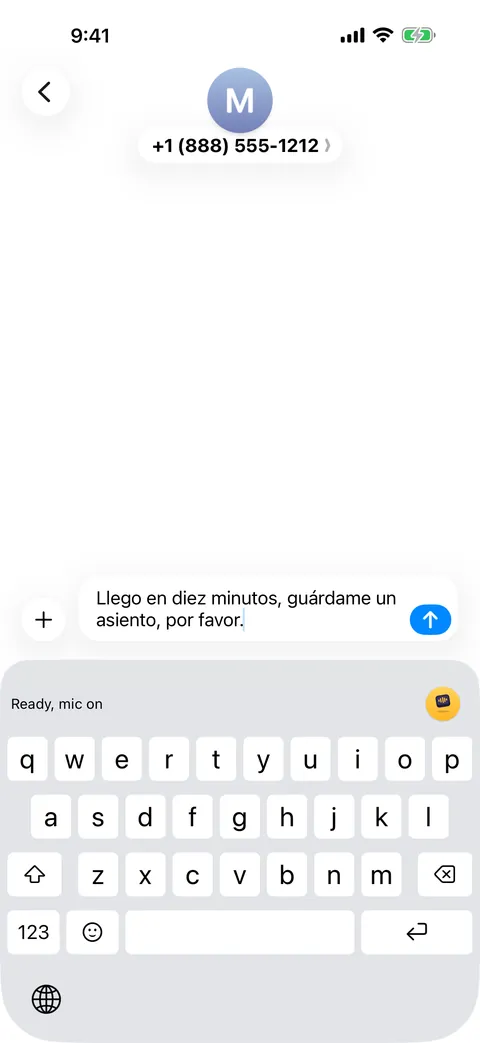
Speak your language 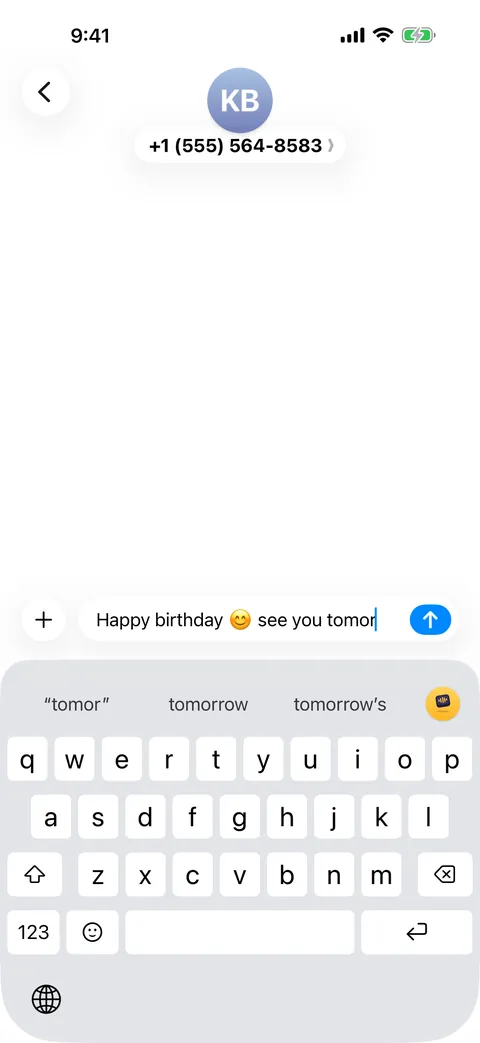
A full keyboard, too 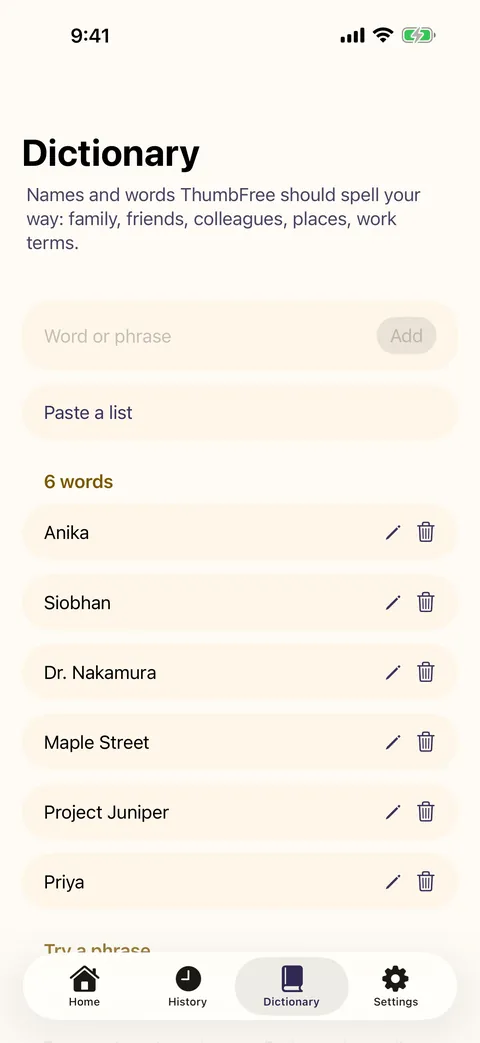
Names spelled your way 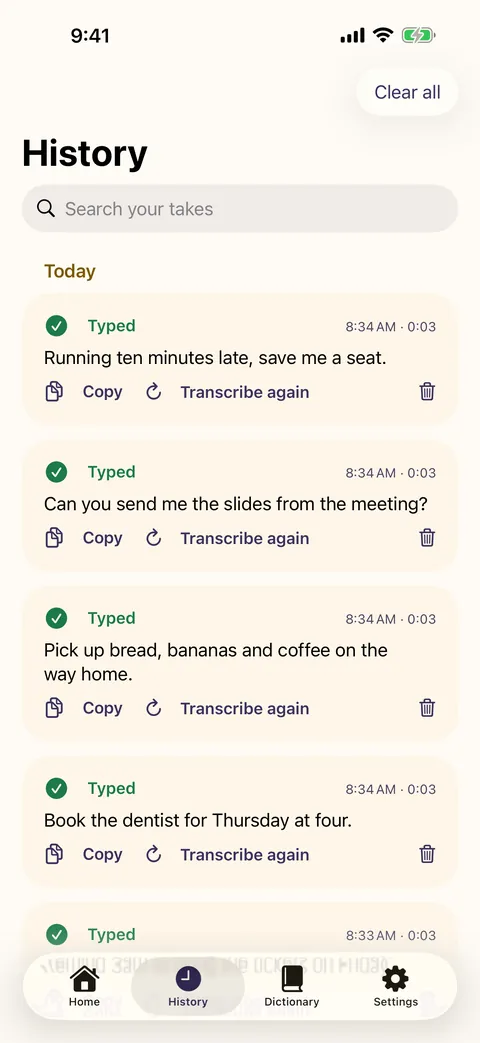
Every take, saved on your iPhone


On iPhone? Coming soon to the App Store
On Android? Get ThumbFree on Google Play
Your words stay on your phone
ThumbFree has no account, no analytics, no ads and no tracking. Nothing you say is sent to us or to anyone else.
- Speech is turned into text on your phone, by NVIDIA's Parakeet speech model.
- The internet is used for one thing: downloading the speech model from Hugging Face, once. Every file is checked against a fixed fingerprint before use.
- History stays on your phone, and you choose how long takes are kept.
- On Android, the accessibility service only shows the bubble and types your words. It reads only the field you're typing in, and never types into password fields.
- On iPhone, Full Access lets the keyboard work with the ThumbFree app on your phone. The keyboard never goes online.

What you get
-

Works where you type
Messages, email, notes, search boxes: your words go where your cursor is.
-
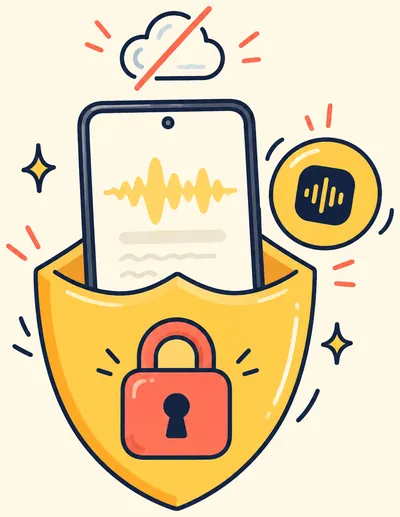
Offline and private
Speech becomes text on your phone. Your audio and your words never leave it.
-
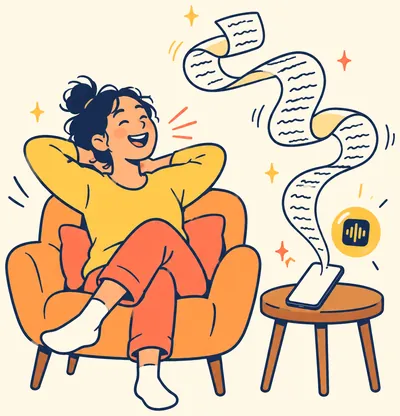
Fast, even for long notes
On a Pixel 10 with the English model, text appears about 0.7 to 0.9 seconds after you stop talking, whether you spoke for 4 seconds or 30. On an iPhone 16 with iOS 26, text is ready about 0.1 seconds after you tap stop at the end of a sentence.
-
Your Dictionary
Add names, brands and work terms, and ThumbFree spells them your way.
-
25 languages
English by default. The Multilingual model understands 25 European languages.
-

History
Every take is kept on your phone, to search, copy or transcribe again. You choose how long.


Open source
ThumbFree is open source under the Apache License 2.0. Read the code, build it yourself, report a bug or suggest a feature on GitHub.
It runs NVIDIA's open Parakeet speech models on your phone. The credits for every model and library are in the app, under Settings, About.
$ git clone --recursive \
    https://github.com/kabrapratik28/ThumbFree
$ cd ThumbFree
Questions and answers
Is ThumbFree really free?
Yes. There are no ads, no subscriptions, no in-app purchases and no word limits. ThumbFree is an open-source project; if you'd like to help it along, see Support ThumbFree.
Does it work without the internet?
Yes. Once the speech model is on your phone, ThumbFree works in airplane mode.
Which phones does it work on?
Android phones with Android 13 or newer, and iPhones with iOS 26 or newer. It isn't made for iPad or Mac. On iPhone, password and phone number fields always use Apple's keyboard, and some apps, including some work apps, allow only Apple's keyboard. On Android, ThumbFree never types into password fields.
How big is the download?
The English speech model is about 731 MB on Android and about 465 MB on iPhone. It downloads over Wi-Fi unless you allow mobile data. You need some room while it downloads: about 1.8 GB free on Android and about 1.5 GB on iPhone.
Why does the Android app use an accessibility service?
It's how an Android app can show a bubble next to the text field you're in and type into it. ThumbFree uses it only for that. It reads only the field you're typing in and the text around the cursor, so your words and spacing land in the right place. It doesn't read the rest of your screen, never types into password fields, and nothing it reads leaves your phone.
Why does the iPhone keyboard need Full Access?
iOS asks for Full Access before a keyboard can work with its own app. ThumbFree's keyboard uses it to start the mic in the ThumbFree app and to get your words back. The keyboard never goes online. Without Full Access you can still type with suggestions and emoji; dictation, and your Dictionary's words in the suggestions, need Full Access.
Why does the ThumbFree app open when I tap the mic on iPhone?
iOS doesn't let keyboards use the microphone. So the first tap of a session opens ThumbFree to turn the mic on, and then you go back to your app. For the rest of the session, each tap starts at once. iOS shows an orange dot while the mic is on, and you can end the session in ThumbFree at any time.
Which languages does it understand?
The English model is the most accurate for English and is the one we recommend. The Multilingual model understands 25 European languages: Bulgarian, Croatian, Czech, Danish, Dutch, English, Estonian, Finnish, French, German, Greek, Hungarian, Italian, Latvian, Lithuanian, Maltese, Polish, Portuguese, Romanian, Russian, Slovak, Slovenian, Spanish, Swedish and Ukrainian.
How accurate is it?
ThumbFree uses NVIDIA's Parakeet speech models. On our public English test clips, the English model gets 3.5% of words wrong. If it keeps getting a name wrong, add it to the Dictionary.
How was the speed measured?
On a Pixel 10 in airplane mode with the English model, from the tap that stops a take to the text appearing: 0.69 seconds for 3.7 seconds of speech, up to 0.90 seconds for 29 seconds, the median of 3 runs each. On an iPhone 16 with iOS 26, a tap at the end of a sentence gave text in 121 to 124 milliseconds. Long takes stay fast because ThumbFree transcribes them in pieces while you talk. The method and every number for the Pixel 10 are in the speed report on GitHub.
Are my recordings kept?
Each take's recording and text are kept in History, on your phone only, so you can transcribe it again. You choose how long takes are kept (7, 30 or 90 days, or forever) and how many, and you can delete any take or clear them all. They are never uploaded.
Does this website track me?
The apps have no analytics or ad tracking. This website has none either, unless you accept Meta's pixel, which it may ask about when we run ads on Facebook or Instagram. Saying no changes nothing on the site or in the apps. See Website privacy.
Where can I get help?
See the help pages for Android and iPhone, or email thumbfree.app@gmail.com.
Get ThumbFree
On iPhone? Coming soon to the App Store
On Android? Get ThumbFree on Google Play
If the store doesn't open, open this page in your browser from this app's menu.
Support ThumbFree
ThumbFree is free and has no ads. If it saves you time, you can help pay for its development.
You can also help by starring the project on GitHub, reporting a bug, or telling a friend.